
Free · 78 pages · Letter or A4 · 3-hole-punch ready
School Year Planner — free printable PDF
The spiral planner from the shop, minus the spiral. Every month and every week of the school year with the real dates already in, an assignment tracker, a grade log, contacts, a reading log and notes pages. Choose the year and your subjects, download, print, punch, and put it in a binder.
What is inside
The default school year pack runs to 78 pages in this order. Thumbnails are the real pages, rendered from the same code that builds your download.
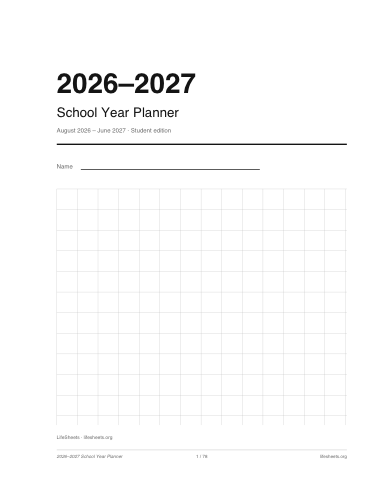
Cover
1 page · from page 1
The year, a name line and a faint grid, with the site name small at the foot.
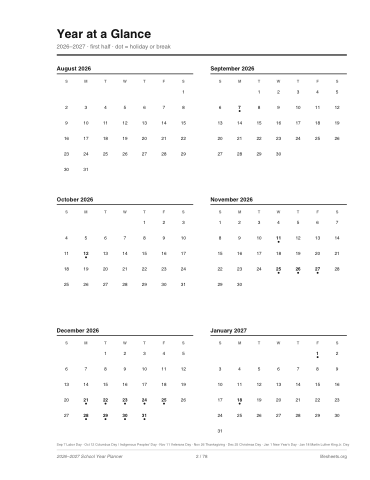
Year at a glance
2 pages · from page 2
Every month of the academic year as a mini calendar across two pages, holidays dotted.
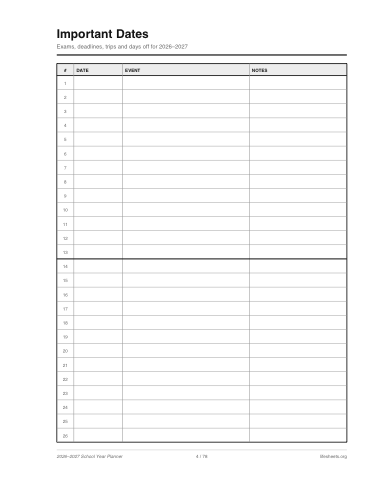
Important dates
2 pages · from page 4
Two ruled pages of date, event and notes for exams, trips and deadlines.
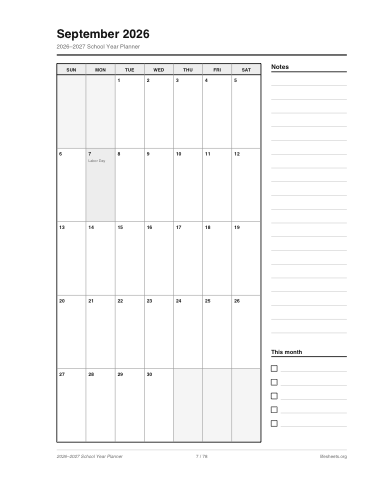
Monthly spreads
11 pages · from page 6
One page per month: the classic 7-column grid with real dates, holidays named in their cells, and a notes column.
Weekly spreads
49 pages · from page 17
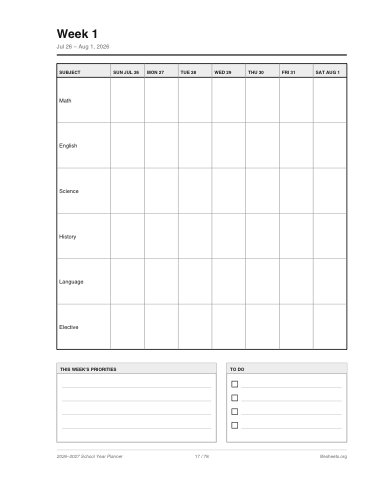
One page per week: your subjects as rows against seven dated day columns, plus priorities and a to-do strip.
Assignment tracker
4 pages · from page 66
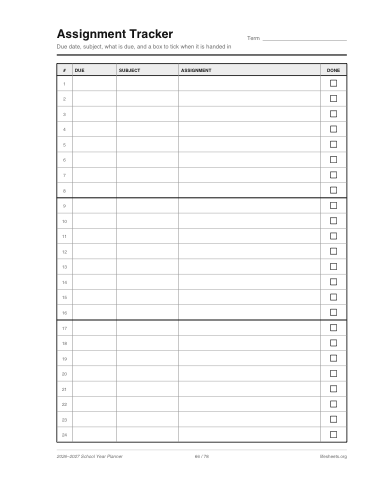
Four pages of due date, subject, assignment and a done box. The teacher edition swaps in a period-by-day lesson plan grid.
Grade log
1 page · from page 70
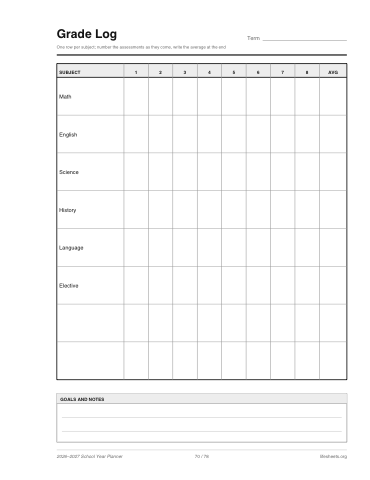
Your subjects against eight numbered assessment columns and an average.
Contacts
1 page · from page 71
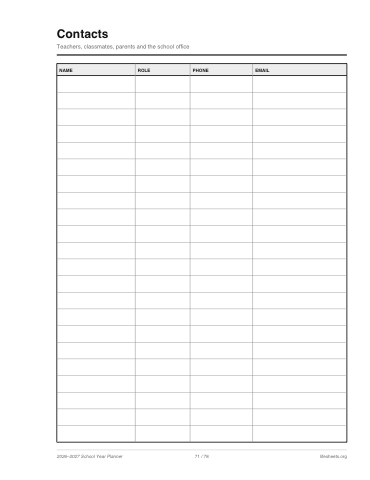
Teachers, classmates and parents with role, phone and email. The teacher edition has a two-page class roster instead.
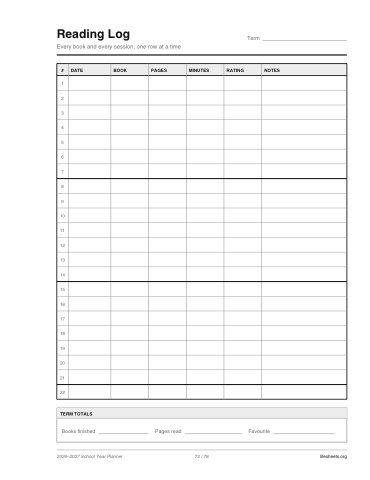
Reading log
1 page · from page 72
The site's dated log table filled for books: title, pages, minutes, rating and notes.
Notes
6 pages · from page 73
Six ruled pages at the back.
How the planner is put together
The pack is assembled from the same fixed layouts as the rest of this site. The monthly spread is the monthly calendar’s seven-column grid with the real dates dropped into the cells and the holidays named where they fall; the reading log is the log sheet’s dated table; the weekly spread is a table of your subjects against seven dated columns with a priorities box beneath. Because the geometry never changes, the school year pack prints exactly the same on US Letter and on A4, and the same options always produce the same file.
Weeks run from the first week-start day on or before the first of your start month to the week that contains the last day of your end month, so the first and last spreads may reach a few days outside the school year rather than cutting a week in half. With an August start and a June finish that is 49 weeks; with September and May it is 40. Every column header carries the date, the month name appears whenever a month changes inside a week, and the page count in the button updates as you change the options.
Who it is for
Students who want a paper planner with their own subjects on every page rather than a generic one; parents printing a planner for a child who has just started to be given homework; and teachers, for whom the teacher edition swaps the assignment tracker for a period-by-period lesson plan grid and replaces the contacts page with a two-page class roster. Homeschooling families use the Monday start and the September-to-May range; year-round schools can print two packs and use the second from July.
If you only want part of the pack — the weekly spreads alone, say, or one month — print that page range from your PDF viewer. And for a single sheet of any kind, the site’s generator lets you refill any of its layouts with your own text.
Frequently asked questions
- Is the planner free?
- Yes. There is no account, no sign-up and no watermark. Download it as many times as you like, and come back for next year's.
- Where is the PDF made?
- On your own device. The pages are drawn by code running in your browser and the file is saved from there. Nothing you type is uploaded and nothing is stored anywhere.
- How do I bind it?
- Print single-sided, punch with a standard 3-hole punch and put it in a binder. The binding margin option keeps the left 0.75 inch of every page clear so the punch never touches a grid line. For a spiral bind at a print shop, switch the margin off and ask for a left-edge coil.
- Which holidays are marked?
- US federal holidays that fall in the school year, plus the Wednesday and Friday around Thanksgiving and the weekdays of the last week of December. Spring break is not marked because it varies by district by more than a month; write yours on the month grid.
- Can I change the subjects later?
- Yes. Every option, including the subject list, is in the link. Change the subjects, download again, and reprint only the pages you need.
- Letter or A4?
- Either. The same pack renders on both sizes with the same page count; pick the paper your printer holds.
Found a date that is wrong, or a holiday your district does not take? Email us and say which year and which page.